



Super Suite
Get all extensions for one suite price
Design Extender
Design and create unlimited websites
Data Bridge
Develop database-driven websites
eCart
Build a responsive shopping cart + checkout
MySQLi Server Behaviors
Generate streamlined MySQLi
Free PayPal Toolkit
Paypal, PayPal Credit, and Skype
Help
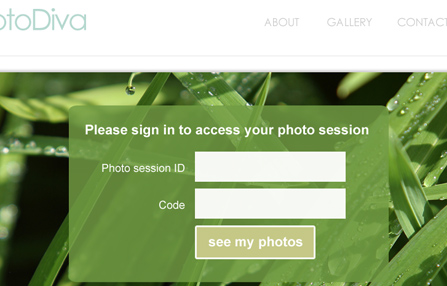
Create a user registration / sign-in web application in Dreamweaver. Set up access rules on any Dreamweaver page to secure access to part (or all) of your website. These tools will generate the code for you, saving you an immense amount of time and the hassle of architecting a major web application.
These tools were once a stand-alone extension called SecurityAssist. Now they are integrated into our powerful Dreamweaver extension, Data Bridge.
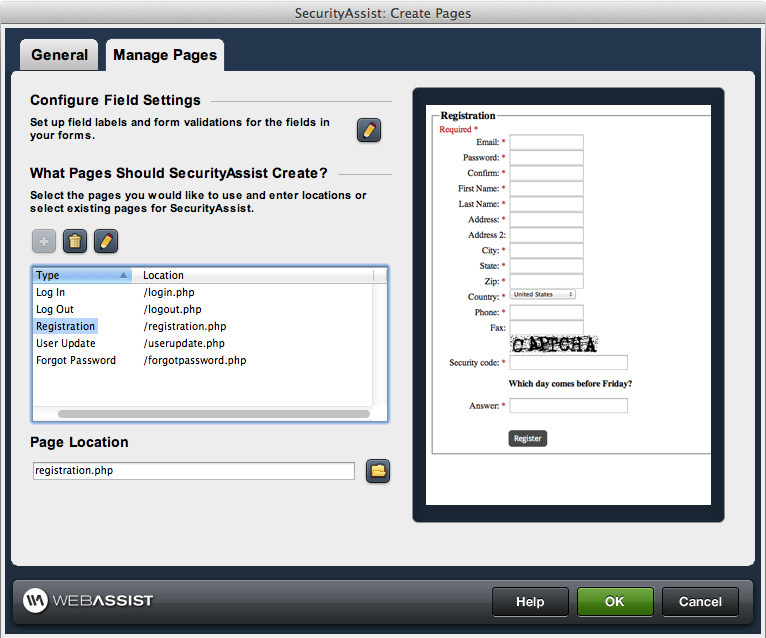
 Create and manage your pages
This Dreamweaver wizard generates registration, log in, log out, update profile and reset password pages - all the functionality you need to give your website visitors a secure account.
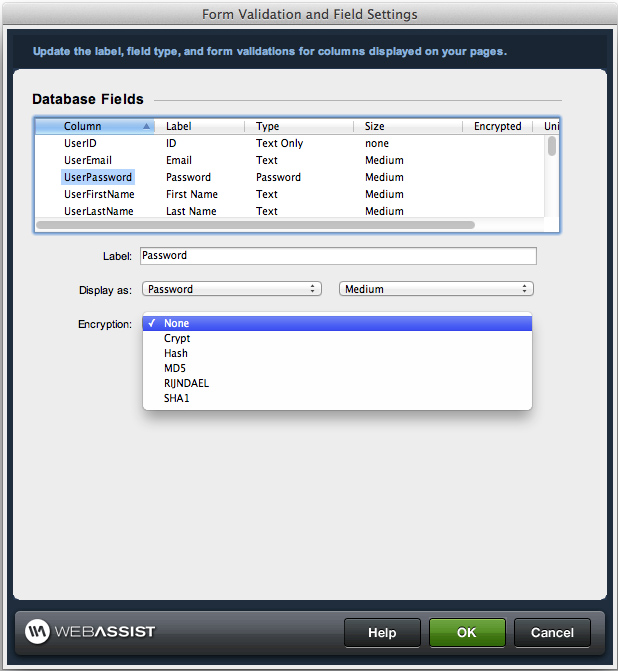
 Define your form field settings
Save time by defining your form field labels and validation in one wizard. Then whenever you use that form field in your application, the validation will already be configured.
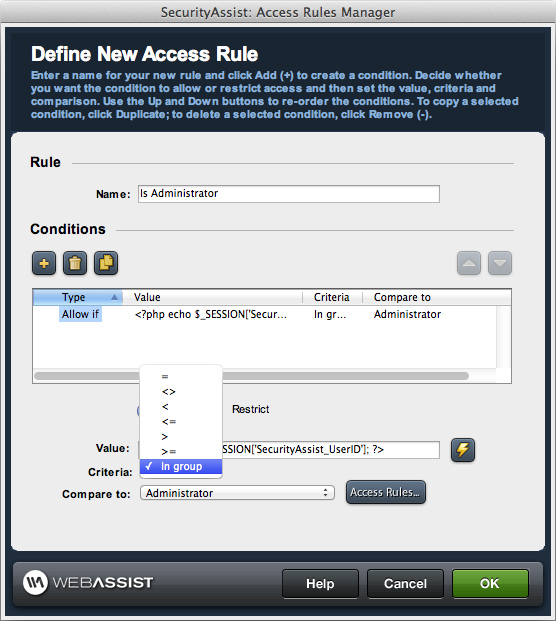
 Configure user groups and access rules
You can set up rules to allow (or deny) users access to specific pages of your website.
 Server behaviors
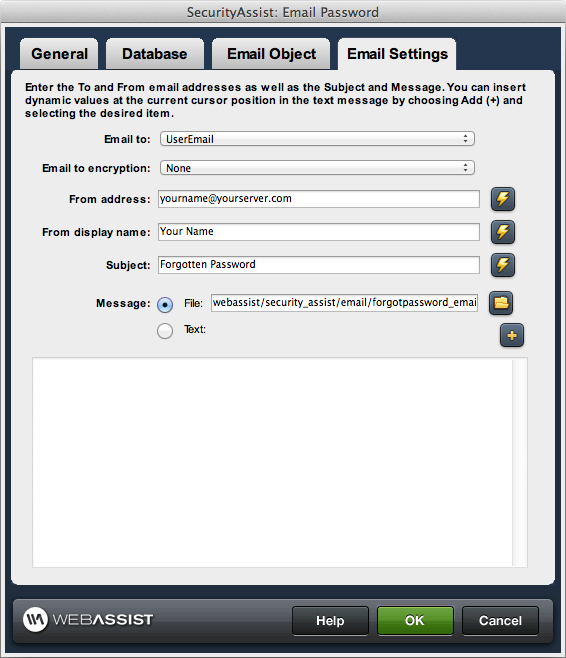
Dreamweaver provides built-in server behaviors, which put a snippet of server-side code on your page. This tool provides custom server behaviors you access through the Dreamweaver server behaviors panel that allow you to configure specific behaviors you may need in building a user registration and sign-in web application. They include:
 Advanced application
We offer many free tutorials to assist you not only with using the Data Bridge wizards and server behaviors, but also to help you add custom functionality so you can create extremely advanced web applications.
Our double opt in tutorial demonstrates how to create double opt in registration - a system where users register, then must verify their email address before accessing secure content.
Your friends over here at WebAssist! These Dreamweaver extensions will assist you in building unlimited, custom websites.
These out-of-the-box solutions provide you proven, tested applications that can be up and running now. Build a store, a gallery, or a web-based email solution.
©1999-2026 WebAssist.com Corporation. All rights reserved and all that jazz.


Account or customer service questions?
Please user our contact form.
Need technical support?
Please visit support to ask a question
