



Super Suite
Get all extensions for one suite price
Design Extender
Design and create unlimited websites
Data Bridge
Develop database-driven websites
eCart
Build a responsive shopping cart + checkout
MySQLi Server Behaviors
Generate streamlined MySQLi
Free PayPal Toolkit
Paypal, PayPal Credit, and Skype
Help
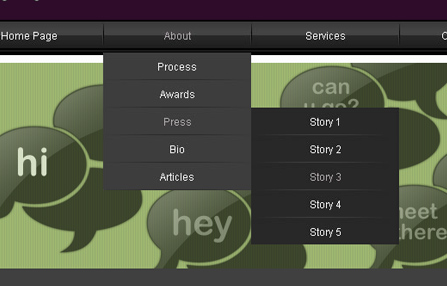
Add cross-browser compatible CSS menu navigation to any page or template in Dreamweaver. Choose a design preset and fully customize each menu level. Create your menu names manually, from a database or from the structure of your website.
This tool was once a stand-alone extension called CSS Menu Writer. Now it is integrated into our Dreamweaver extension, Design Extender.
 Customize your menu design
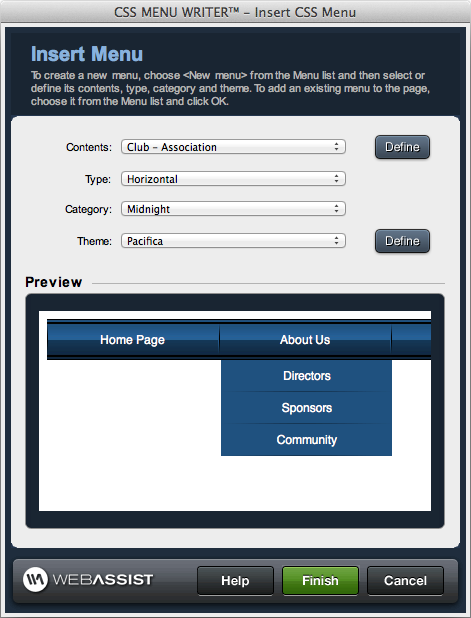
Get a quick start on your menu design by choosing from the 16 included design presets to display horizontally or vertically; then select one of 12 color themes.
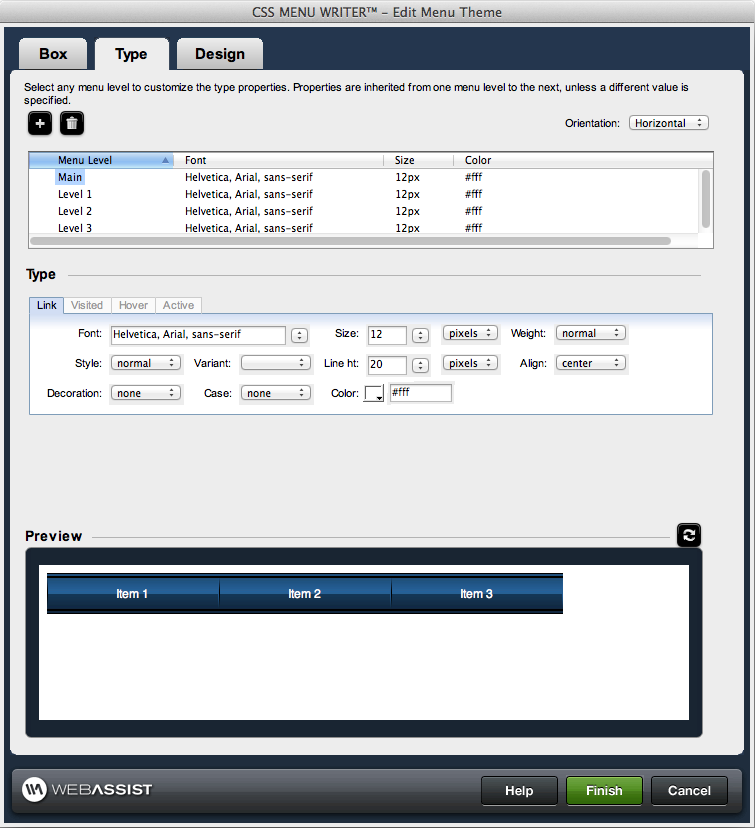
Further customize your design (optionally). If you want to use dropdown menus, you can even customize each level/sublevel of your menu or choose to let a level inherit the CSS of its parent level.
 Build static or dynamic menus
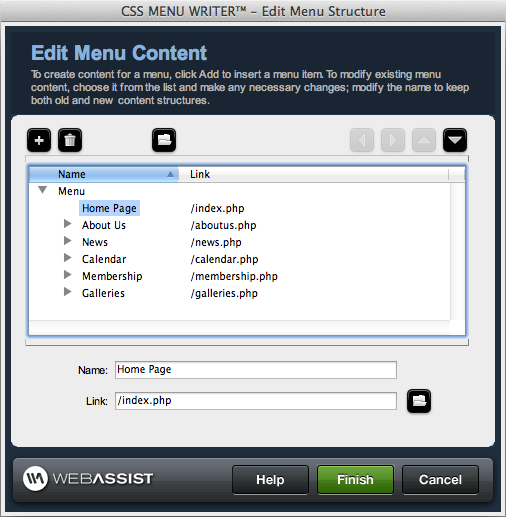
To create your menu names (Home, About, etc.), you can either type the words in manually, create the menu from your website's folder / file structure or create database-driven navigation. The menu tools work with any Dreamweaver recordset. They support unlimited sub-menu levels and offer full sort and filter capabilities.
 Save your customizations as presets
You can save both your design and your content customizations as presets so that you can reuse either throughout any Dreamweaver website.
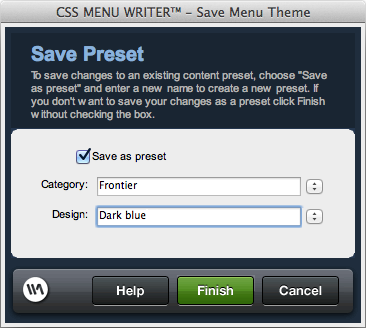
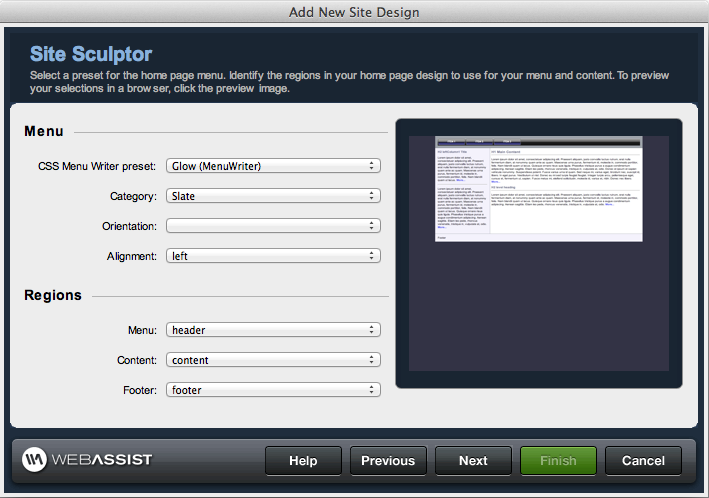
Design presets can be used when you create a site with Design Extender's site-building tools or whenever you want to use the menu again.
Advanced application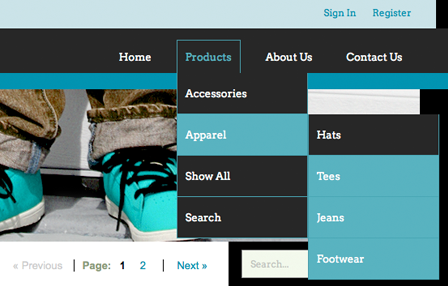
Build dynamic navigation menus from records in your database. This is great for any growing website and a manageable way to build navigation particularly for online stores with frequently changing products that display in the menu levels. View tutorial »
Your friends over here at WebAssist! These Dreamweaver extensions will assist you in building unlimited, custom websites.
These out-of-the-box solutions provide you proven, tested applications that can be up and running now. Build a store, a gallery, or a web-based email solution.
©1999-2026 WebAssist.com Corporation. All rights reserved and all that jazz.


Account or customer service questions?
Please user our contact form.
Need technical support?
Please visit support to ask a question
