If you're like many small to medium sized business owners, you already have a great product, a customer base, a store-front, and possibly a website. However, you may not currently have a method of processing sales and collecting payments online. In this roadmap, we'll be covering the missing step, the payment gateway, and recommending one of the most popular payment gateways on the internet – PayPal – as a bridge between your business and the World Wide Web.

In a nutshell, a payment gateway is a website that accepts and processes information from your online store regarding product quantities, pricing, buyer information, and a payment method, and processes the charges for you.
Why choose PayPal? With over 155 million active user accounts and 100,000 online merchants using PayPal, it is the most popular payment method on the internet… and for good reason: PayPal's online security, buyer and seller protections, and ease of use make it the logical and intelligent first choice for taking your business to the web.
While you may already have a method of accepting a credit card payment offline, processing online purchases offline takes time and a great deal of personal record keeping. With PayPal, your transactions will be performed automatically – with no direct action required on your part, and a list of transactions and their status will always be available to you at www.paypal.com. Funds are deposited to your PayPal account where you can further decide where to deposit them.
Help Me Choose
Let us choose the WebAssist product that best suits you.
Get started here.
Customer Showcase
Click here to see what some of our
customers have built and see how you
could benefit from a WebAssist
Dreamweaver extension.
Need a Hosting Account?
WebAssist recommends Dreamhost as a rock solid hosting provider. If you sign up through us, they are offering new customers one free lifetime domain registration! promo code: WEBASSIST
When a shopper selects items for purchase from your online store and adds them to their shopping cart, the shopper will then have the option to check out. Once checkout occurs, PayPal receives the item information, customer information and credit card information, and then bills the credit card for you. Funds are immediately deposited to your account, a secure email is sent to the shopper, and a record of the payment and its details are stored for your viewing. In the event of a quantity shortage or a dispute, refunds to the shopper can be performed with a few clicks on PayPal’s website. And best of all, the entire process is performed in a manner that is secure to both you and your customer.
PayPal has two different options available to help you get your online business up and running: PayPal Payments Standard and PayPal Payments Pro.

With Payments Standard, even a basic HTML-only website can be used to provide a shopping experience to your customer. Customers shop on your website and are then directed to PayPal where their personal information and credit card information are then collected and processed. This is known as a ‘remote checkout’ because the checkout process is conducted away from your website. When the customer is finished checking out on PayPal’s website, both you and your customer receive an email with the order information. It is then up to you to fulfill the order and keep record of the transaction. A history of the order is available to you on PayPal’s site.
While Payments Standard is secure and simple, it lacks several things that Payments Pro delivers on.
PayPal Payments Pro is the preferred method for building a powerful and automated merchant website. While a more elaborate application-driven website is required to implement Payments Pro, the checkout experience delivered to your customer can be further customized to make it appear more professional. And if your website is utilizing a database, buyer information, purchase amounts, and deductions from your current inventory can all be performed from your website with information passed from PayPal using their ‘state of the art’ API.
Feature |
Payments Standard (remote) |
Payments Pro (local) |
Checkout Page |
Customer sees that they are on PayPal.com and completes a checkout form that has limited customization options. |
Customer never leaves your website and completes a checkout form of your design. |
Post Checkout action |
Upon completion of checkout, customer is sent to a page on your site, but no order specific information can be displayed. |
Upon completion of checkout, customer is sent to a page of your choosing where details of the transaction can be displayed. |
Email options |
Basic email created by PayPal outlining the transaction is sent to the customer. |
Emails can be fully customized by you and can contain as much or as little information as you choose. |
Custom transactions |
None available |
Includes ‘Virtual Terminal’ allowing you to process phone, fax and mail transactions directly. |
Database options |
No database interaction is possible. |
Every detail from the transaction is available for storage in your database. Deduction from your available inventory can be done automatically. |
More information regarding the difference between Website Payments Standard and Website Payments Pro can be found at this link: https://www.paypal.com/cgi-bin/webscr?cmd=xpt/Marketing/general/PaymentSolutions-outside
For nearly 10 years, WebAssist has been working with PayPal to make the crucial step of bringing order processing to your online store quick and easy. WebAssist's powerful and top selling eCart makes integration between your website and PayPal quick and easy and no hand-coding is required. eCart has built in support for PayPal’s Payments Pro and Payment Standard and makes adding them to your website a breeze.
Not only can eCart assist you in integrating PayPal with your current website, it can also aid you in creating an entire online store entirely from scratch without requiring any hand-coding! Tools for integrating a database for storing your product information and transactions are also included!
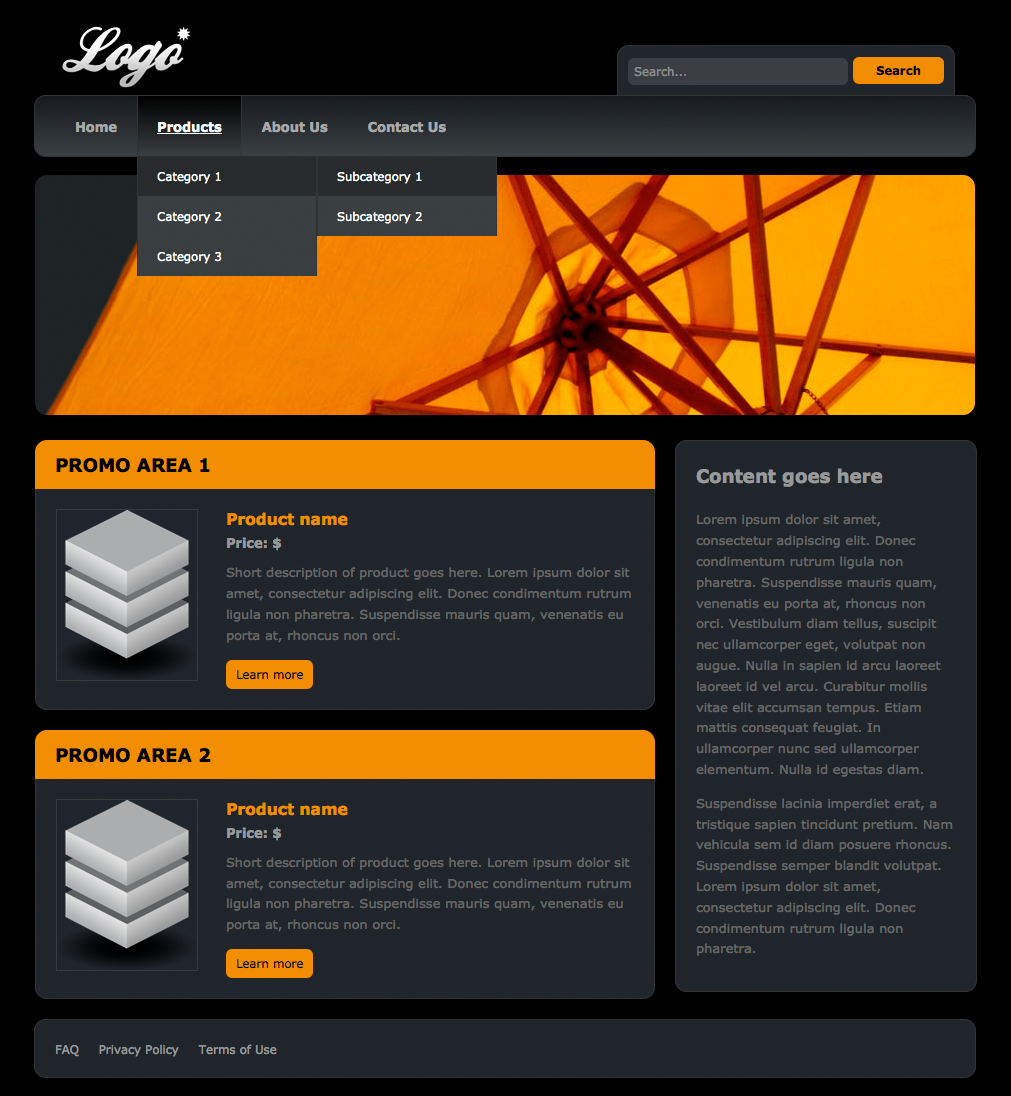
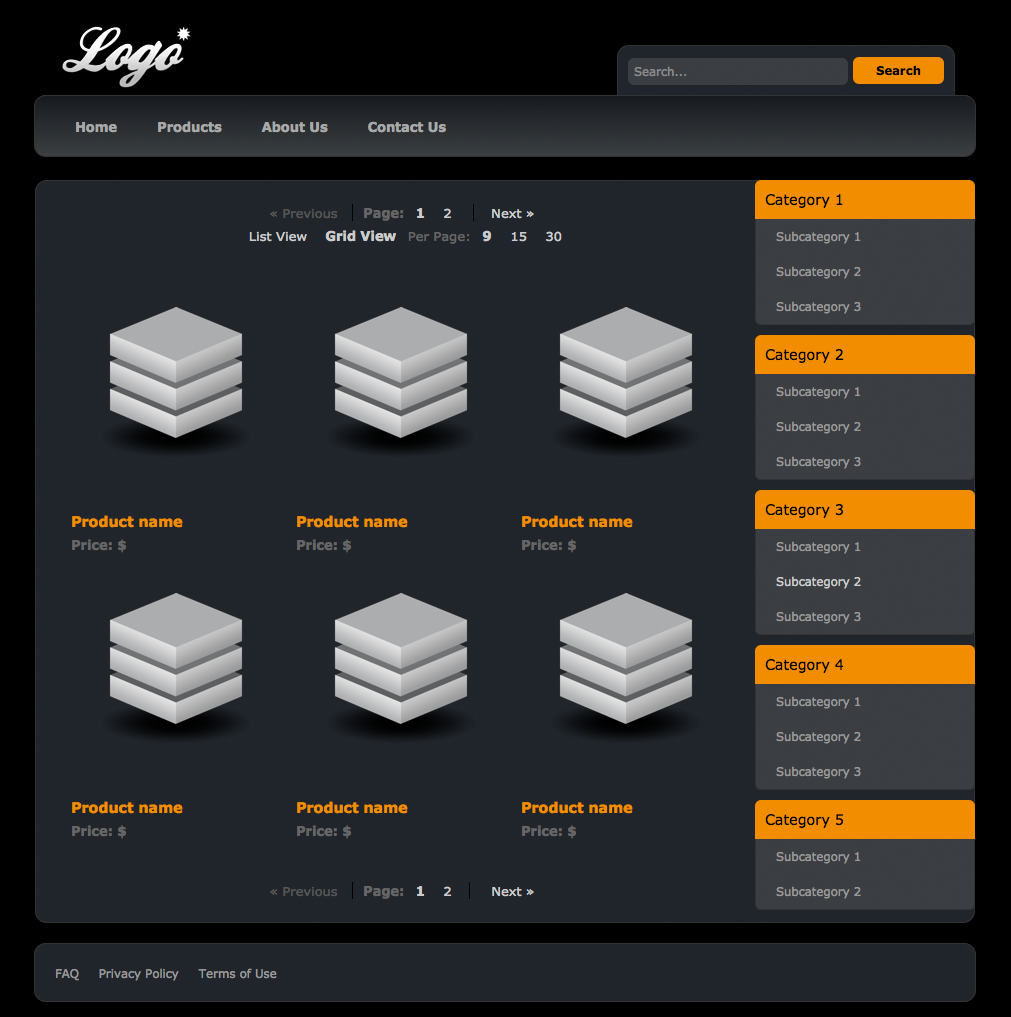
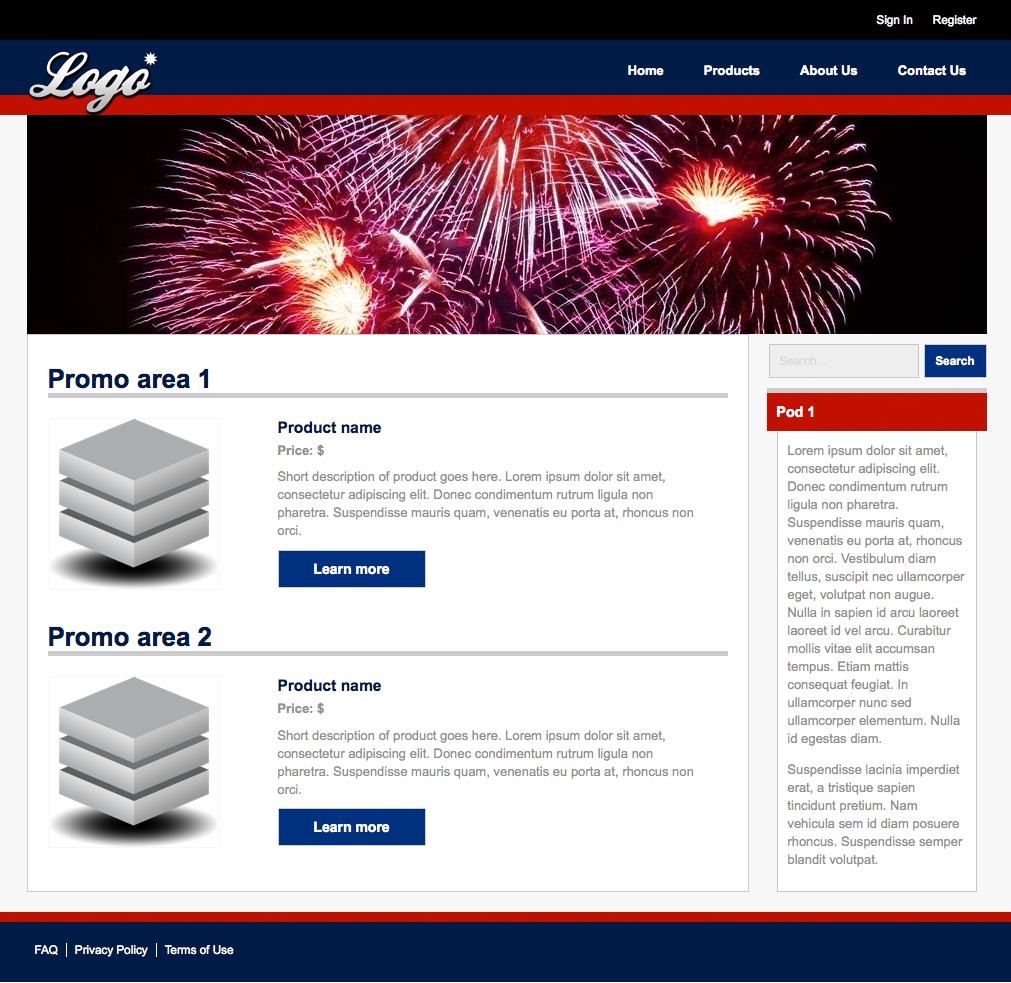
If you’re looking for the fastest method of getting your business online and generating revenue, then look no further than PowerStore. PowerStore is a completely functioning and ready-to-use online store that you can configure, host, and begin selling with all in the same day!
PowerStore features a rich and appealing front-end for your customers as well as an administrative back-end to make managing your online store a breeze. Inventory levels can be set, new products can be added, pricing can be changed… all instantly and with only a few clicks. Best of all, PowerStore is already configured for use with PayPal Payments Pro to give your customers the very best in a checkout experience while giving you the very best in product and order management.
The world of eCommerce is a profitable place for both big and small businesses alike and tapping into that world is easier than you may have thought. Leverage the power of a payment gateway and bring your business to the web today with the help of PayPal and WebAssist.
Click here to sign up a PayPal merchant account today!
WebAssist helps you build better websites faster by offering software, solutions, and training needed to succeed on the web. WebAssist.com hosts a thriving community of over 300,000 designers, developers, and business owners. WebAssist's partners include Adobe, Microsoft, and PayPal.